
What you can do in Cadre
Cadre is where your employer keeps your HR and pay records. You can use it to look after your own things: your payslips, your leave, your time and your goals. It works on a phone as well as on a laptop.
You don’t need to know anything about HR or payroll to use it. Each page below explains one task in a few short steps.
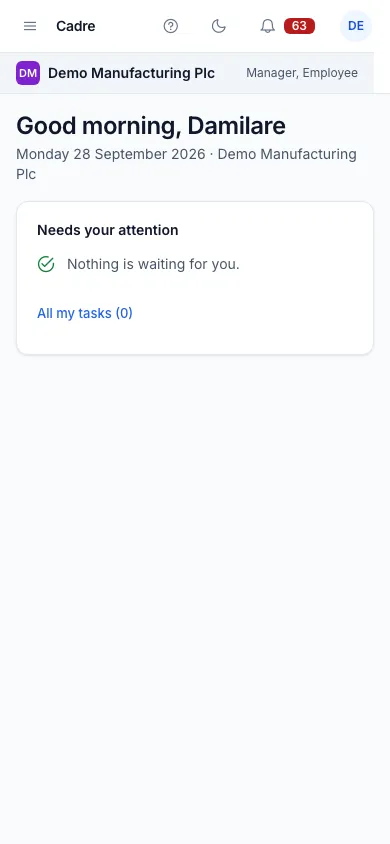

Finding your way on a phone
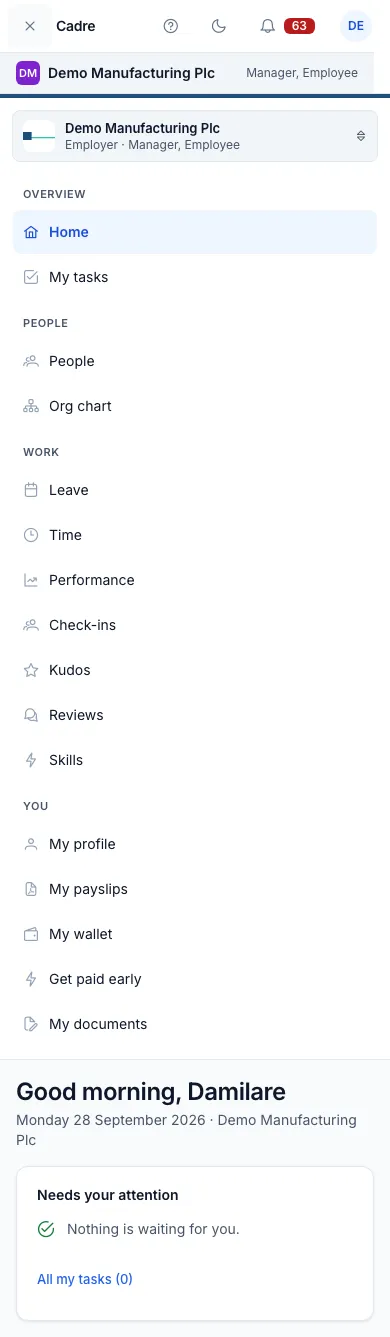
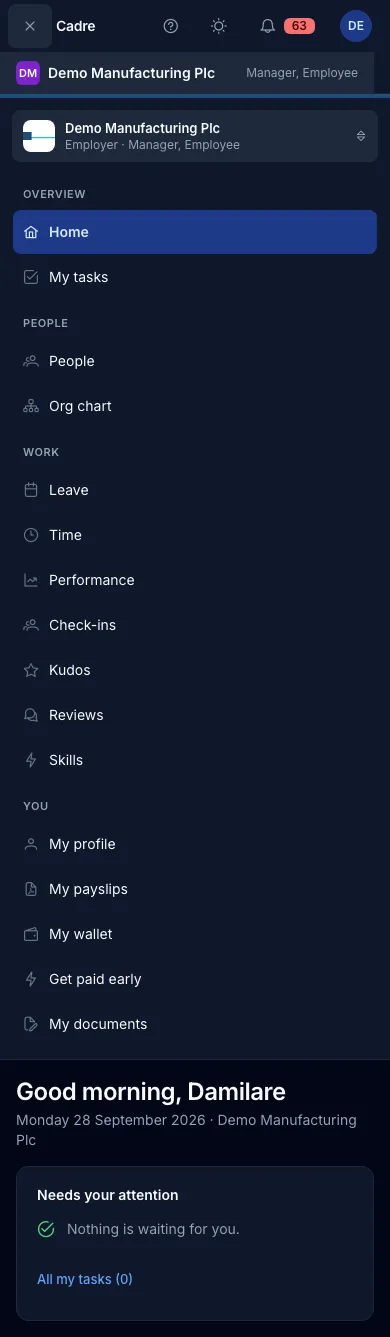
Section titled “Finding your way on a phone”On a phone, tap Menu at the top of the screen to open the menu. Your own things are in the You group: My profile, My payslips, My wallet, Get paid early and My documents. Leave, time, performance and the rest are in the Work group.
Getting started
Section titled “Getting started”Your first dayAccept your invitation, sign in, sign your contract and complete your profile.
Your profileYour personal details, and how to change your bank account or tax numbers.
Your payslipsRead your payslip line by line and download it.
Your walletOpen a wallet and choose how much of your pay goes into it.
Get paid earlyTake some of the pay you have already earned before payday.
Leave and time
Section titled “Leave and time”Your leaveYour balances, your requests, what is coming up and who in your team is away.
Ask for leaveChoose your dates and see exactly how many working days they use.
Your team's calendarA month of your team's leave at a glance.
Clocking in and outClock in on your phone, and see your timesheets.
Performance
Section titled “Performance”Your goalsSet your goals, get them approved and update your progress.
Your reviewsWrite your self-review, give feedback and read your results.
Check-ins and kudosYour 1:1s with your manager, and thanking colleagues.
Your skillsRecord your skills and get them validated.
Everything else
Section titled “Everything else”Documents and signingDocuments shared with you, and signing a document.
Tasks and notificationsYour tasks, the bell, and choosing which emails you get.